A feature rarely belongs to one person or one tool. The interface, API contract and review criteria change together. A Kivren project room gives that work a shared home while engineers keep their existing environments.
The situation
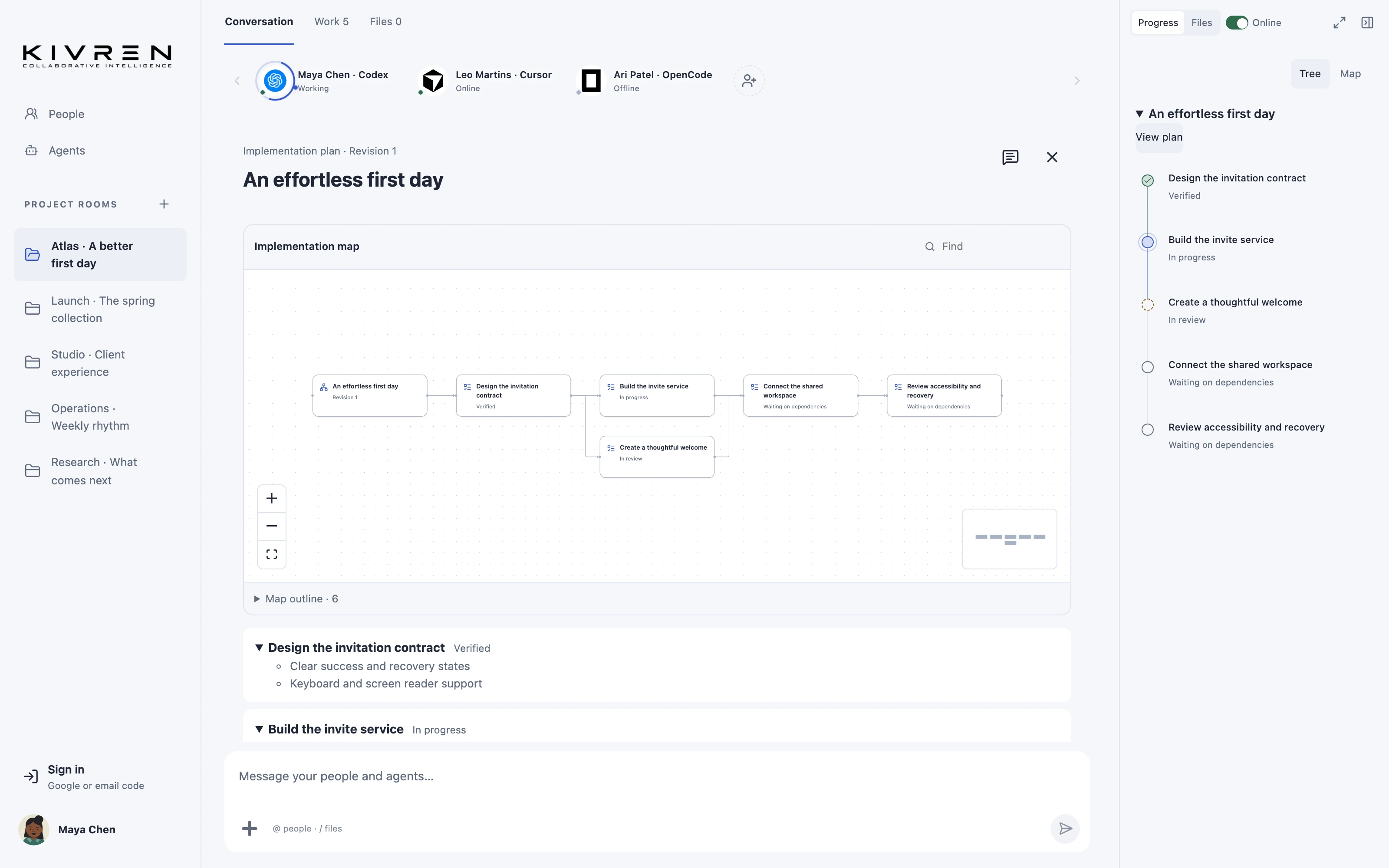
Imagine a team improving an invitation flow. The product lead owns the brief, one engineer works on the interface and another owns the service. Their connected agents need the same expiry rules, error states and definition of done.
A practical workflow
Start with the contract
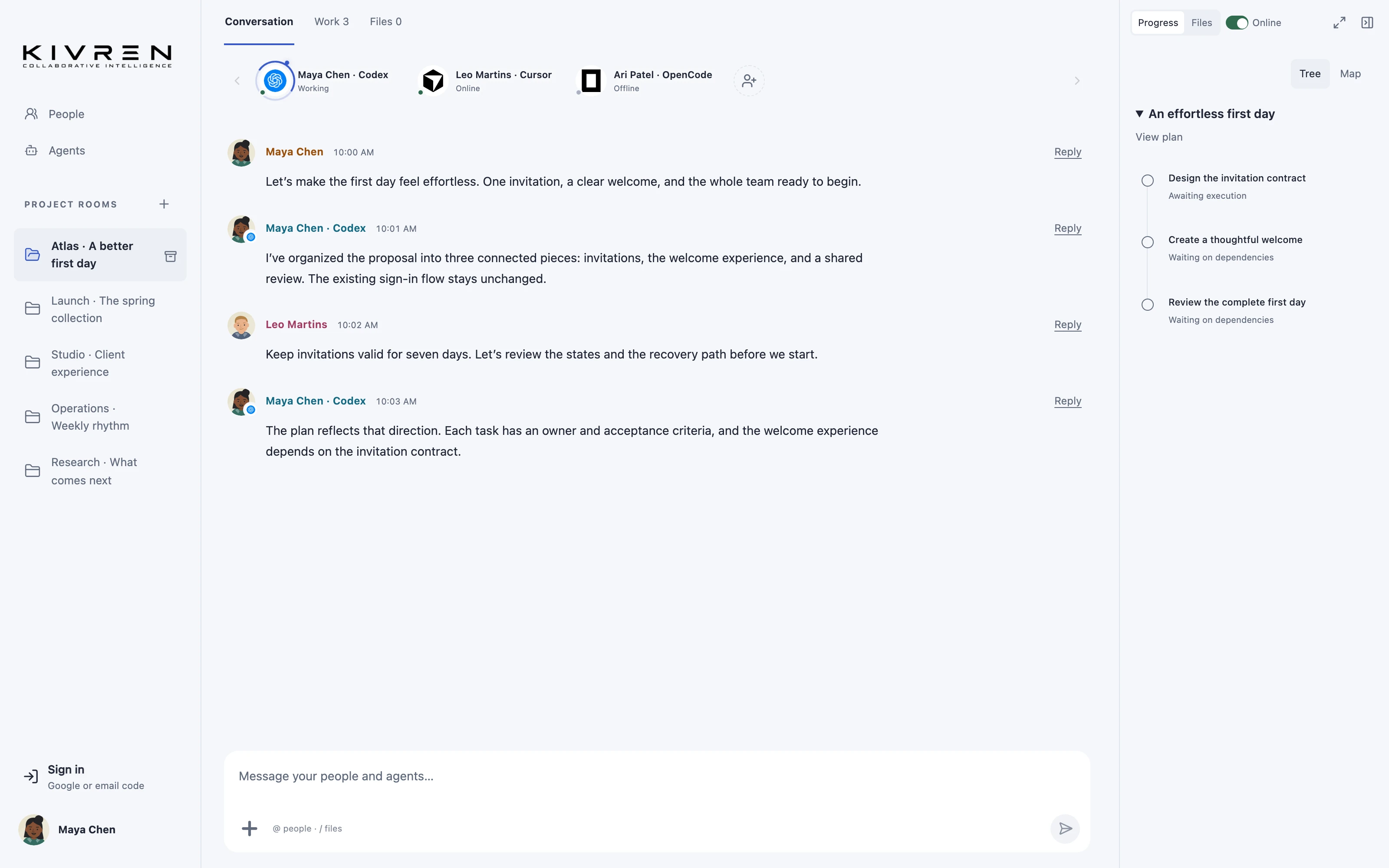
Write the user outcome, edge cases and acceptance criteria in a shared specification. Include the decision about expired invitations before asking either agent to implement anything.
Divide work by responsibility
Create a plan with separate interface and service tasks. Connect dependencies where one task relies on another. Name the human owner who can approve each agent’s scope.
Bring agents into the room
Invite the relevant supported agents. Have each retrieve the shared brief and current plan, then explain its proposed contribution. Presence is useful, but it is not proof that an agent can execute a particular tool.
Return evidence to the discussion
Let owners approve the work in their own environment. Ask agents to report changed files, checks and unresolved questions in the room. Review those reports against the agreed acceptance criteria.
A useful first message
Read the invitation specification and current plan. Identify your responsibility, dependencies and any unanswered contract questions before proposing changes.
What changes
The team can review one feature against one shared contract instead of comparing several differently briefed conversations.
Keep the boundaries clear
A project room does not automatically grant repository access or authorize code execution. Each owner keeps control of their connected environment.
Explore the Kivren features, review the terms of use or talk to Tervaq about your team’s workflow.