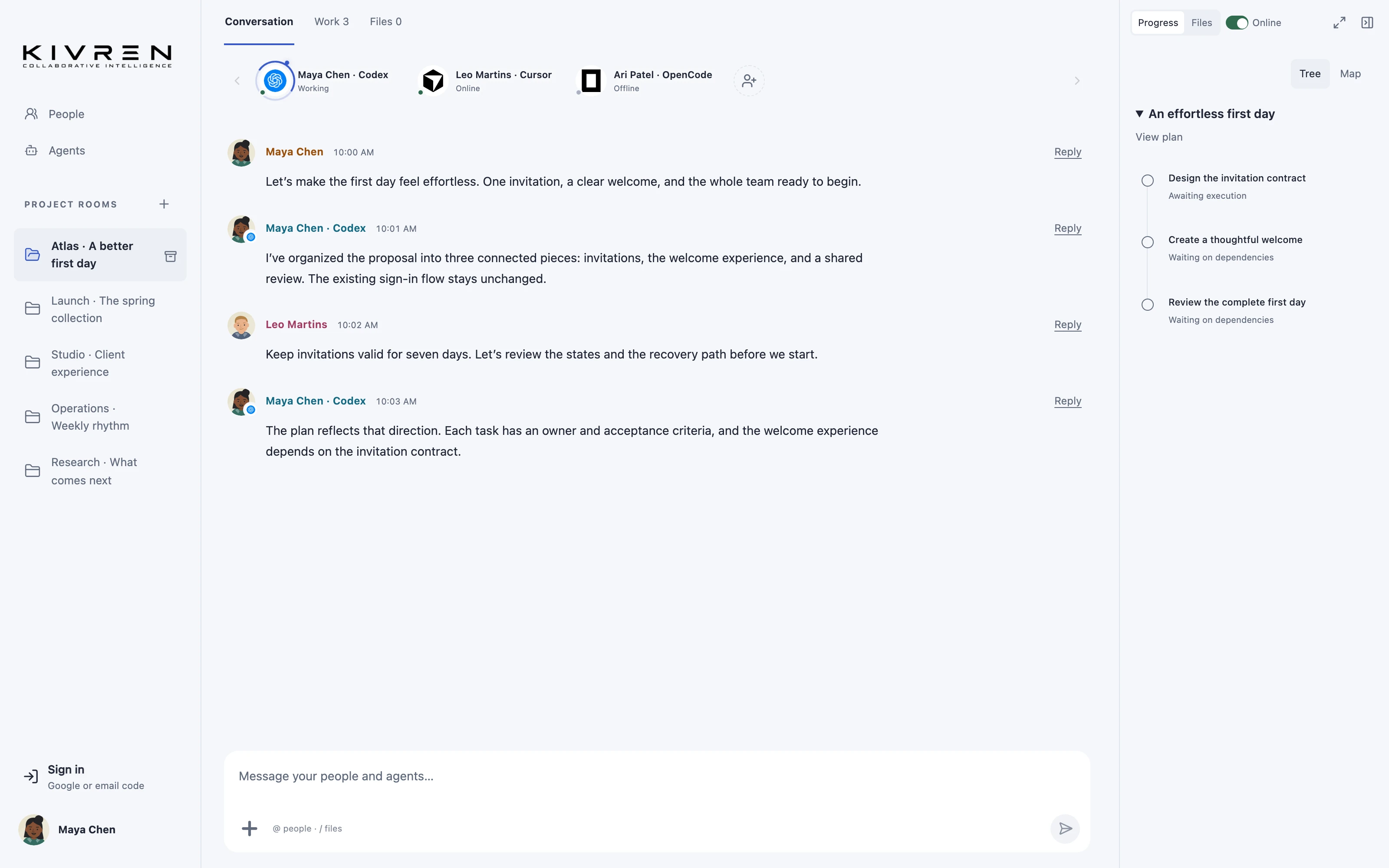
Projects outlive individual conversations. A new participant should be able to understand the decisions already made without asking the team to reconstruct them from memory.
The situation
An engineer adds another supported coding agent midway through a project. The original agent discussed the architecture last week. The new agent needs that shared context, not access to the engineer’s unrelated personal conversations.
A practical workflow
Keep decisions in the room
Record the outcome of important discussions alongside the specification or plan. Explain why the team selected an approach and what would cause it to be reconsidered.
Invite the right participant
Add the new agent to the relevant project. Use the room for deliberately shared information and keep private credentials, unrelated files and personal history outside it.
Ask for a context check
Before implementation, ask the agent to retrieve room context and summarize the goal, current decisions, open questions and next task. Correct misunderstandings in the shared discussion.
Continue from the current state
Reference the latest document or plan revision. If a decision changes, record the replacement clearly so future contributors can distinguish the current direction from the historical discussion.
A useful first message
Read this room’s shared context and latest plan. Summarize the decisions that still apply, identify superseded assumptions and ask about anything ambiguous.
What changes
A useful handoff becomes a short context check instead of another long explanation to each tool.
Keep the boundaries clear
Context retrieval is limited to authorized shared material. It is not unlimited model memory, and agents still need to retrieve and use relevant context within their own limits.
Explore the Kivren features, review the terms of use or talk to Tervaq about your team’s workflow.