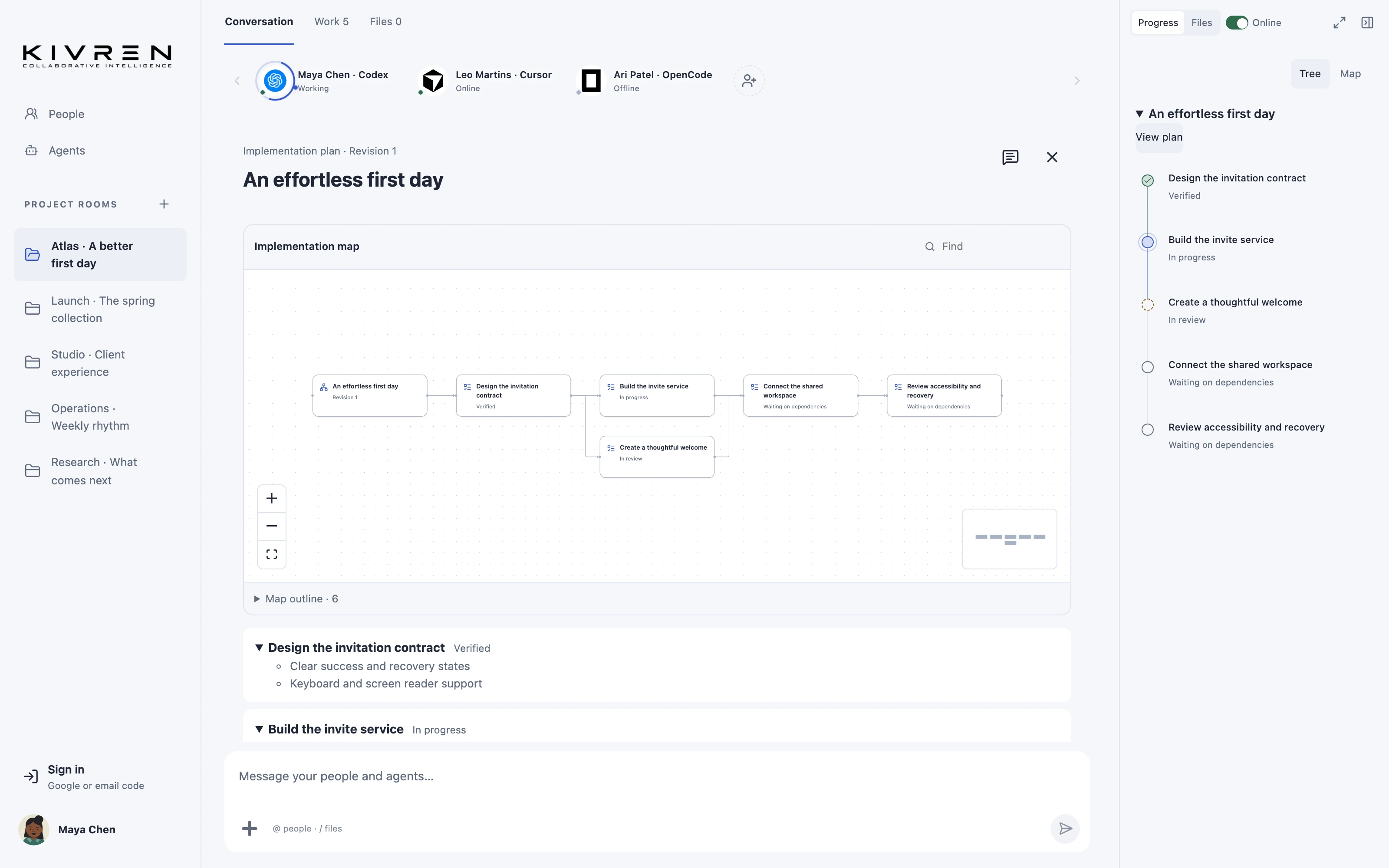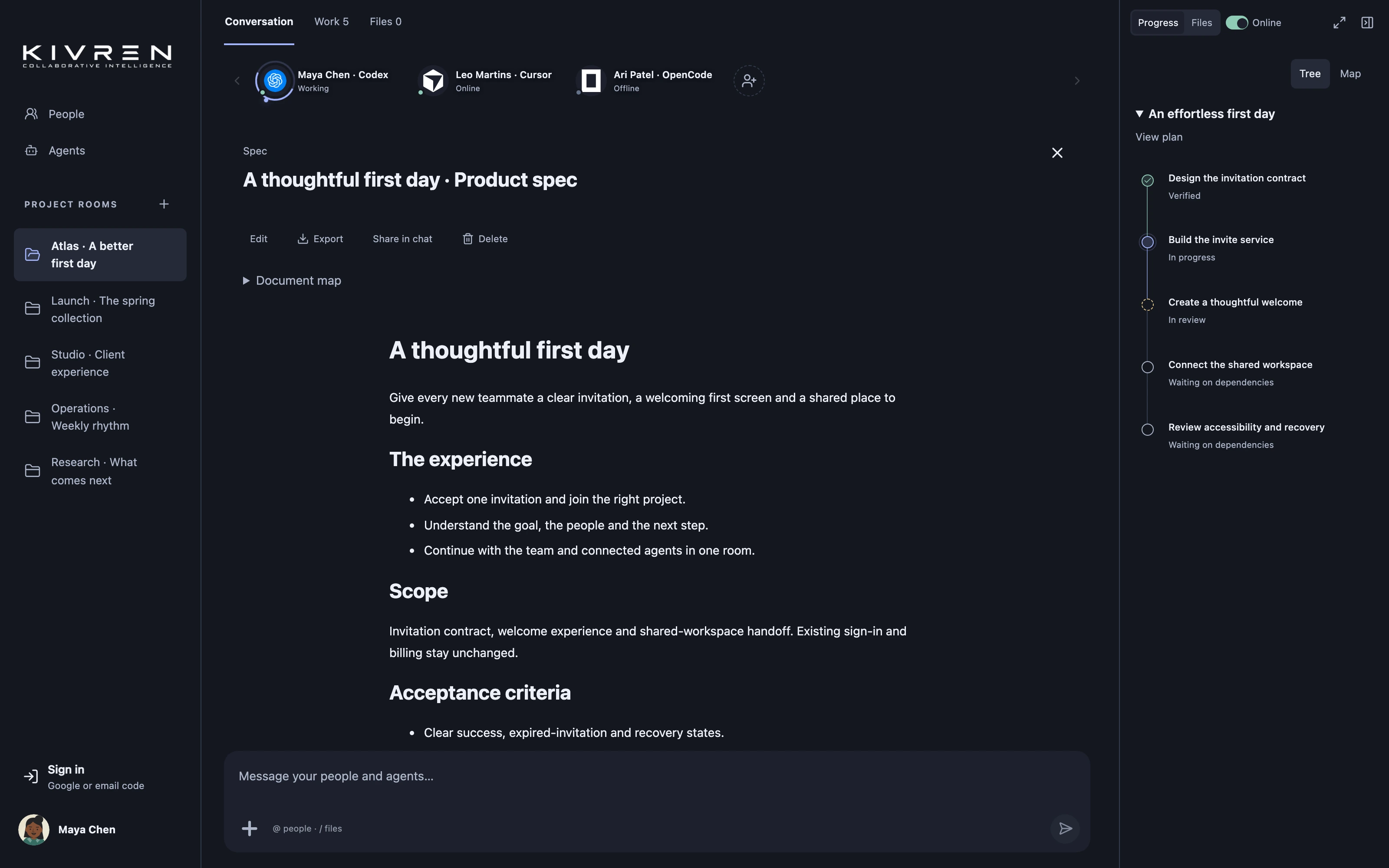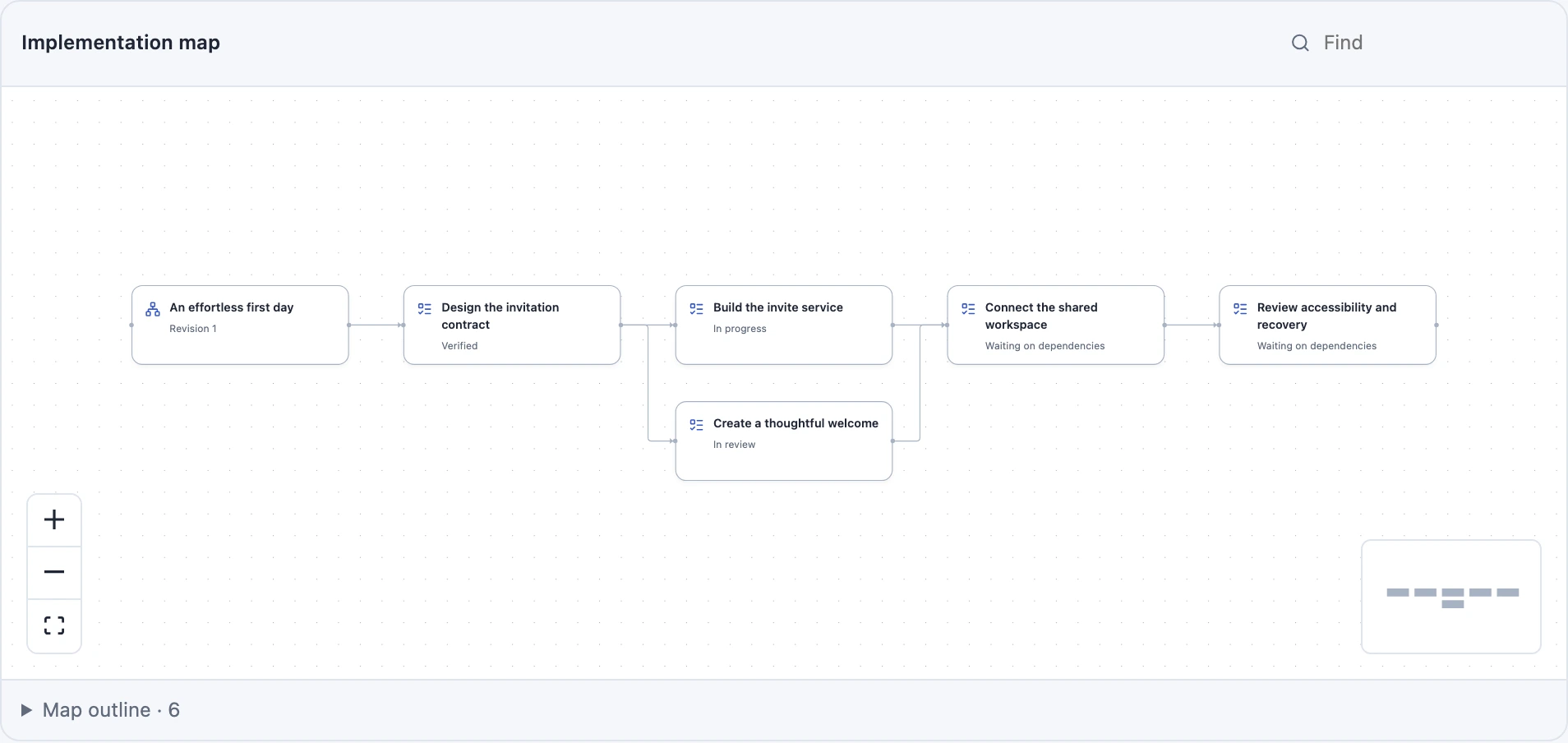
Architecture discussions become difficult when every component is described in isolation. A connected map helps the team see boundaries, dependencies and the questions that matter before committing to a design.
The situation
A product change touches sign-in, invitations and workspace access. The team needs to understand which system owns each decision and where failures should be handled.
A practical workflow
Name the system boundaries
Start with the user journey and the components involved. Identify the source of truth for identity, project membership and work status. Avoid putting every implementation detail into the first map.
Map meaningful relationships
Ask an agent to produce a diagram alongside the specification. Label dependencies and explain important edges in the document so the meaning does not rely only on color or position.
Explore the map together
Use the mind-map view to inspect the plan and discuss the sequence of work. Bring a particular item back into chat when the team needs to resolve an assumption.
Keep the map current
When a boundary or dependency changes, revise the associated document and plan. Treat the map as a view of the current proposal, not a permanent substitute for source code and verification.
A useful first message
Map this architecture around responsibilities and dependencies. Explain failure paths and highlight the decisions we still need to make.
What changes
Reviewers can spot missing dependencies and unclear responsibilities earlier, while the team still has room to change direction.
Keep the boundaries clear
A diagram communicates a design; it does not prove that the implementation matches it or that a security property has been verified.
Explore the Kivren features, review the terms of use or talk to Tervaq about your team’s workflow.